Description
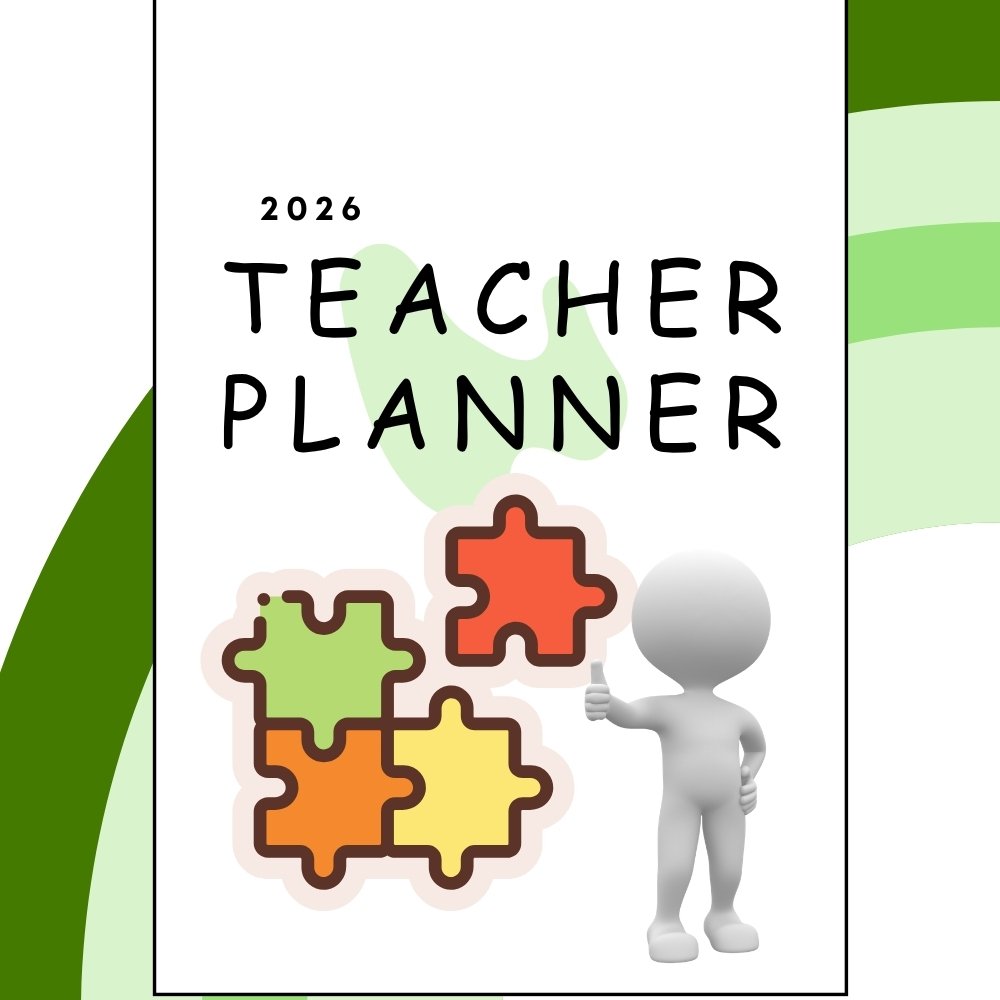
teacher lesson plan binder: Editable Teacher Planner 2026-2027
[dflip id=”17402″][/dflip]
Stay organized and stress-free this school year with this all-in-one, comprehensive printable and digital teacher lesson plan binder. Designed carefully to be your ultimate classroom companion, this premium 42-page teacher lesson plan binder includes everything you absolutely need to manage your school calendar, track student growth, and align your weekly curriculum goals with ease and efficiency.
What’s Inside This Customizable Teacher Lesson Plan Binder?
Every dedicated educator understands that a well-structured classroom starts with a reliable planner. Our customizable 42-page curriculum organizer is meticulously formatted to reduce lesson-planning anxiety before the busy back-to-school season kicks off. This download packet covers all your essential classroom scheduling needs, including:
Comprehensive Planning & Organization Tools:
- Advanced Planning Layouts: Full-year calendars, term goals, semester overviews, and structured weekly and daily lesson plan templates.
- Smart Classroom Management: Student data trackers, dedicated math, reading, and writing small-group organizers, and practical classroom volunteer forms.
- Instant Assessment & Notes: Beautifully formatted gradebook template pages for recording exam grades and quick anecdotal classroom notes.
- Goal Trackers & Logs: Dedicated spaces for setting professional SMART goals, running daily to-do lists, monitoring important calendar dates, tracking class birthdays, and maintaining professional learning logs.
- Professional Binder Covers: Stylish, high-quality cover pages designed to keep your physical binder visually organized and looking highly professional.
Key Features of Our Digital Curriculum Binder:
- Highly Comprehensive: Everything an elementary or preschool educator needs is packed in one unified digital file.
- Printable & Digital Ready: Perfectly designed for easy high-resolution printing to use in a physical three-ring binder, or for seamless digital tablet use.
- Extremely User-Friendly: Simple, clean, ink-friendly, and minimal layouts structured specifically to save you time during busy school mornings.
⚠️ Important Information Before Downloading:
- Digital Download Product: Please note that this is an immediate DIGITAL PRODUCT. No physical item will be shipped to your house. You will be able to download your PDF file instantly right after checkout.
- Personal Classroom Use Only: This educational asset is strictly intended for personal classroom use or homeschooling only. You may not resell, redistribute, or share this digital file online.
Explore More High-Quality Educational Resources
Your professional feedback is highly valued and serves as a reflection of your classroom satisfaction! If you enjoyed utilizing this teacher lesson plan binder, please consider leaving a review on our store—it truly helps our small educational business grow and continue creating resources that support teachers around the globe.
You can discover a wide variety of matching bilingual educational worksheets, tracing books, and flashcards directly on our official website at EduBox Kids Homepage. If you prefer shopping through international digital teaching marketplaces, feel free to explore our highly-rated printable products and read verified teacher reviews on our official global storefront at the EduBox Kids TPT Store.
How to Use This Binder Digitally (Optional Tablet Guide):
Would you like to use this customizable teaching planner directly on your tablet device? It’s incredibly easy! To use this PDF file digitally, you simply need a standard PDF annotation application. Here is our recommended way to get started today:
- Get Your App: Download a trusted PDF annotation application on your iPad or Android tablet. Popular and user-friendly options include GoodNotes, Notability, or Xodo (perfect for Android devices).
- Import the File: Open your downloaded app and import your new 42-page lesson plan PDF file directly into your library.
- Start Planning: Use your tablet’s stylus, Apple Pencil, or your finger to handwrite, highlight, add text boxes, and organize your daily teaching lessons directly on the screen!
Thank you so much for supporting EduBox Kids and supporting joyful learning!
Reviews
There are no reviews yet.